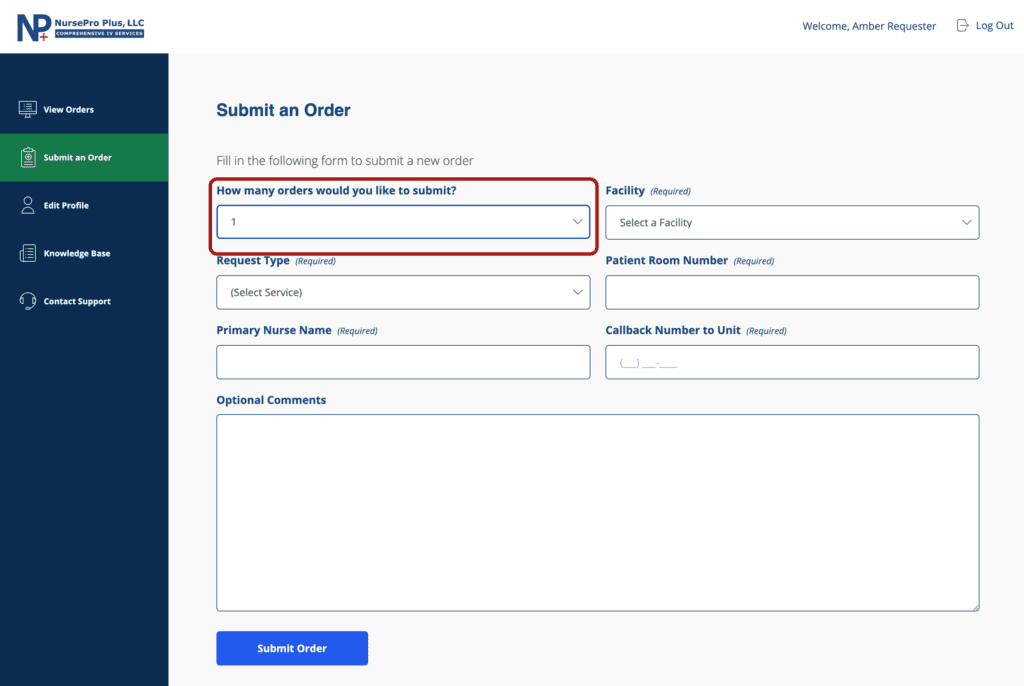
Requesters can submit up to five orders at one time.
Submitting Multiple Orders
- Log into your NursePro Plus portal account.
- Go to the Submit an Order page.
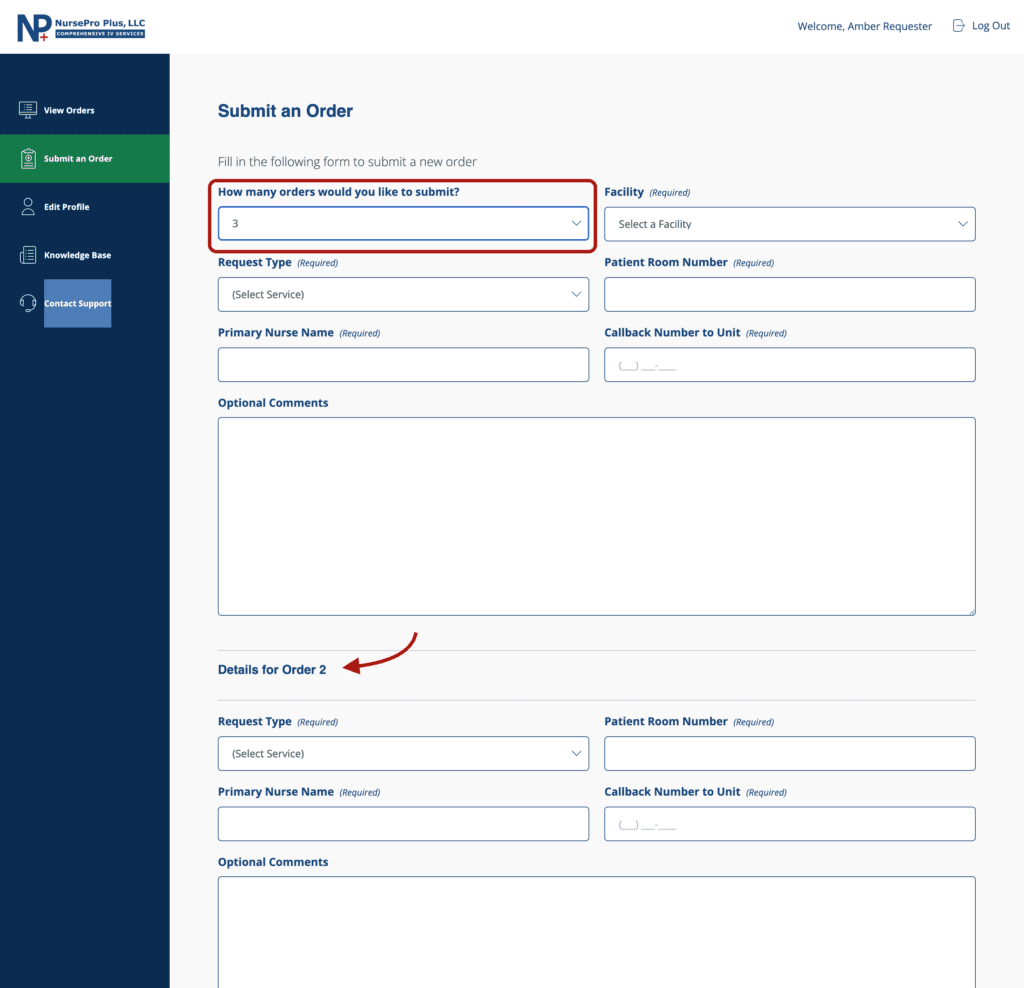
- Select the “How many orders would you like to submit?” dropdown field and increase the number of orders to the desired amount (up to 5).
- The submit order form will automatically extend to accommodate the number of orders selected.
- Provide the relevant details for each order, up to a maximum of five orders per submission.
- Click on “Submit Order”.
To learn more about the submit order form and what happens after an order is processed, please review the how to submit an order support article.